
Free Classic ATS Resume Template (PDF & Word)
A classic ATS resume template with a navy serif name and a formal, conservative layout. Write your résumé with a live preview, then download a PDF or Word file free and with no sign-up.
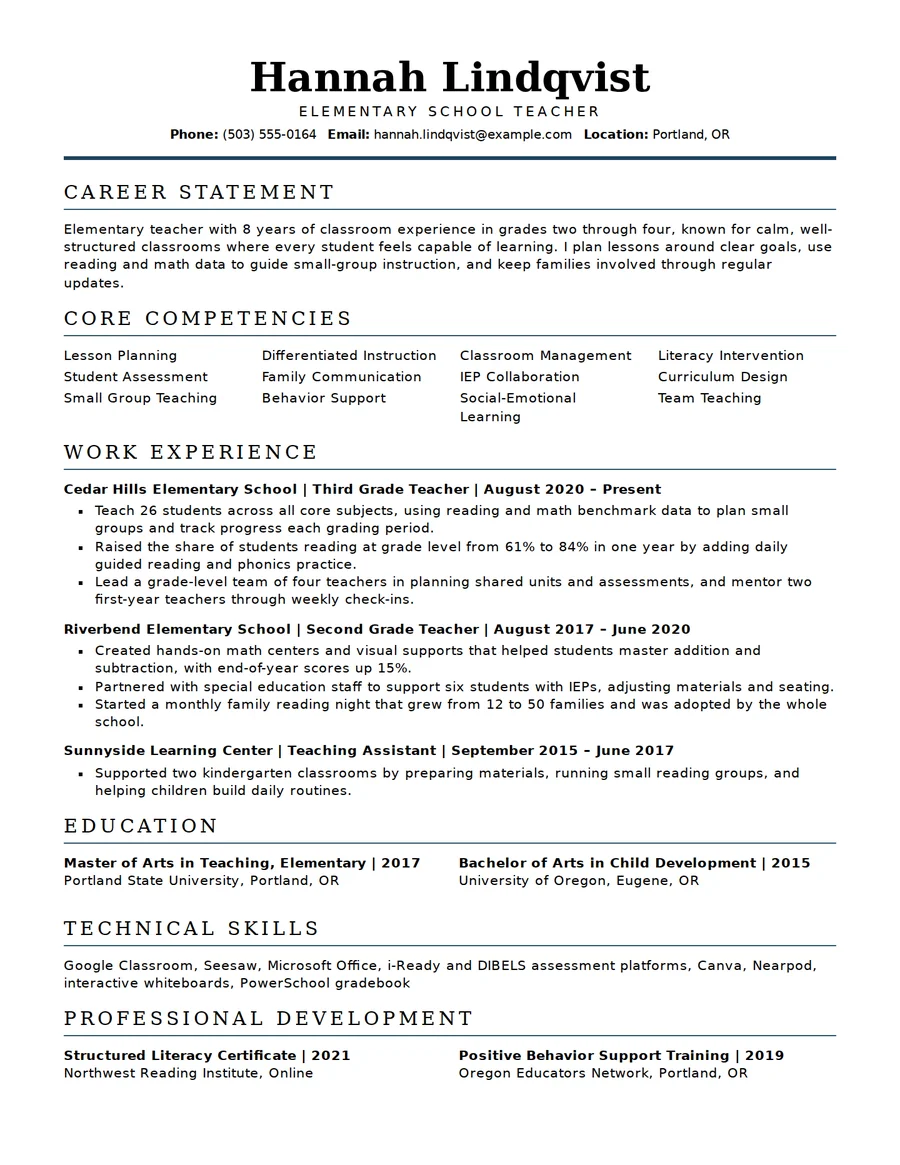
About this classic ATS resume template
Classic layout features
A traditional serif design with a letter-spaced navy name and a career statement.
- Navy serif name with a letter-spaced job title
- Career statement instead of a casual summary
- Letter-spaced section headings with a navy rule
- Competencies in a tidy multi-column list
- Education and professional development sections
- PDF and Word, US Letter or A4
Why choose it
- Formal look for conservative employers
- Readable serif type, no decoration
- Your data stays in your browser
- Save a Careerve Resume File to continue later
Who the classic template suits
Choose the classic template for teaching, education, government, law, banking and other fields where tradition counts. The serif type and navy rule feel formal without being old-fashioned.
Open with a two-sentence career statement: years of experience, setting, and one measurable result. List roles in reverse order and give schools and certifications their own sections.
For a more current look with the same plain structure, see the modern ATS template.
Classic ATS resume questions
Who should use a classic resume?
Candidates applying in traditional fields such as education, government, law or finance, or to employers who prefer a formal page.
What is a career statement?
A short opening paragraph naming your experience, setting and strongest result; it replaces a generic objective.
Is a serif font acceptable for ATS?
Serif fonts are ordinary text. No template guarantees how every system reads a file, so follow each posting's instructions.
Where does education go?
After experience for most people; move it first if you are a recent graduate or changing fields.
Can I switch to another design?
Yes, any time, without retyping your details.